


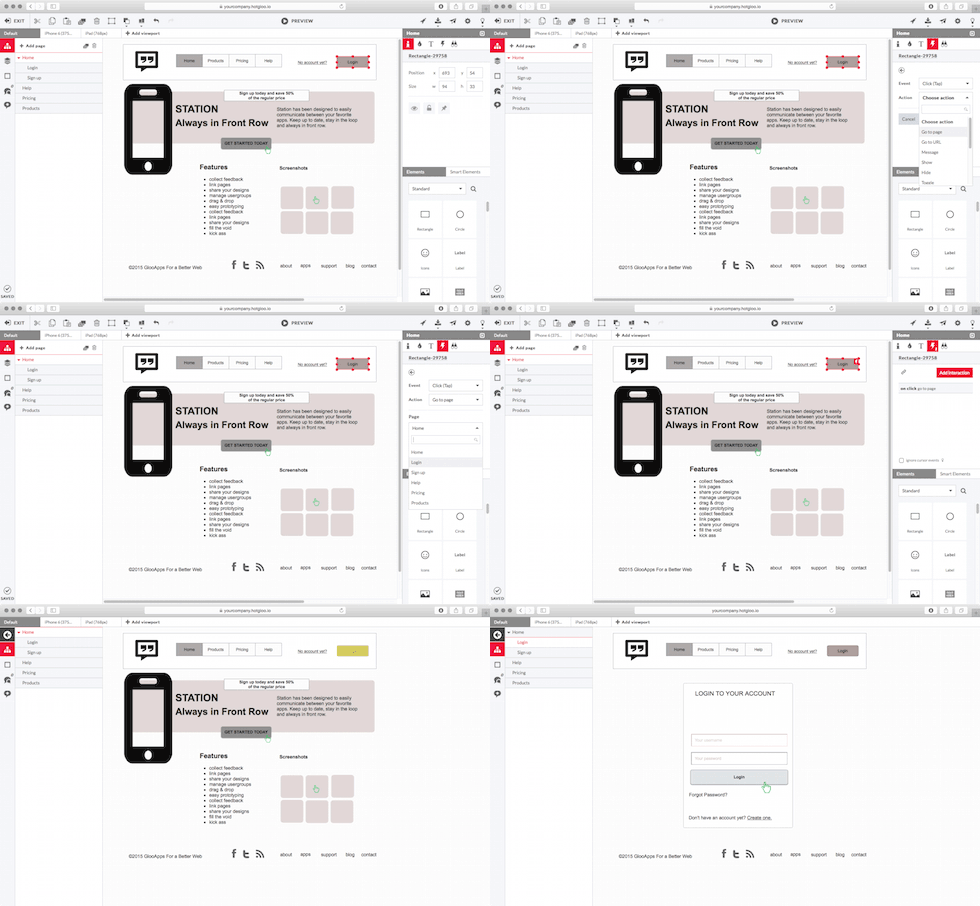
With a very low learning curve in mind for a professional wireframe tool we provide every user interface element needed to design great interactive & responsive wireframes and prototypes. From a wide range of pre build UI widgets from our Widget Library to full accessible icon sets including more than 5000 icons. We have it all ready for you to get you started in almost no time.

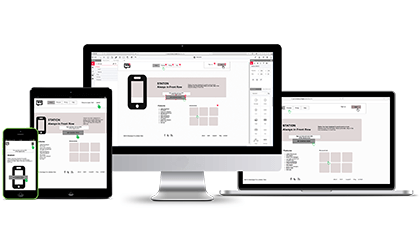
HotGloo is running in your browser. Yes you will need an internet connnection for that but this also guarantees a run anywhere policy. No matter if you are on a PC or Mac. HotGloo supports all operating systems and browsers. Especially important once you send preview links to clients that simply need to work.

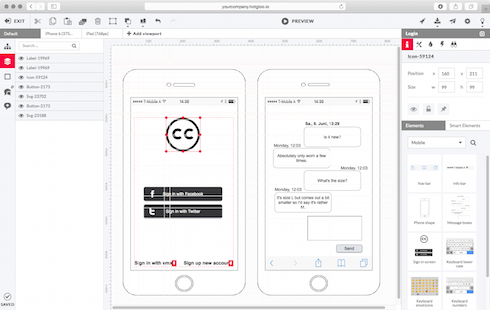
As professional as professional gets. HotGloo is the webworkers tool of choice when it comes to build interactive wireframes, boosting the user experience of your creative work. Add others to your account or send project previewlinks for review and feedback rounds. HotGloo lets you finally experience not only how your project is going to look like but also how it's going to behave.

 Hamburg, Germany.