


HotGloo is a UX, wireframe and prototyping tool designed to build wireframes for web, mobile and wearables. HotGloo helps to visualize planning processes, build and test drive interactions very easily. Create and share fully interactive prototypes with your team and clients and gather feedback on the process. From prototypes of the next award winning app to huge e-commerce wireframe shop solutions, HotGloo is the perfect match for every web worker.
HotGloo has been designed with a low learning curve in mind. In addition we do offer tutorials, getting started documentation and a fast and reliable support team.
Edit, review and test your work on any mobile device, whenever you want and wherever you are. You can even leave page notes or add comments on the go.
Kickstart your project and invite co-workers to the account and collaborate in real-time.
Over 2000 elements, icons and UI widgets is what makes HotGloos element library one of the most comprehensive ones out there.
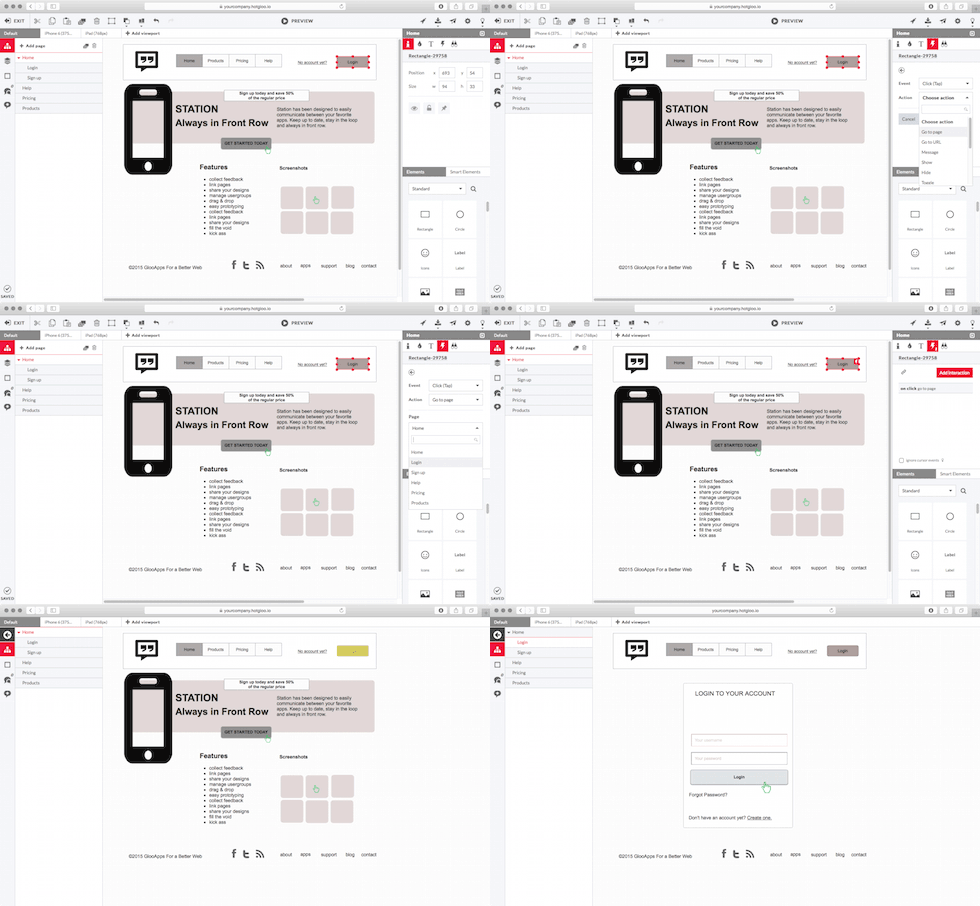
With a very low learning curve in mind for a professional wireframe tool we provide every user interface element needed to design great interactive & responsive wireframes and prototypes. From a wide range of pre build UI widgets from our Widget Library to full accessible icon sets including more than 5000 icons. We have it all ready for you to get you started in almost no time.

HotGloo is running in your browser. Yes you will need an internet connnection for that but this also guarantees a run anywhere policy. No matter if you are on a PC or Mac. HotGloo supports all operating systems and browsers. Especially important once you send preview links to clients that simply need to work.
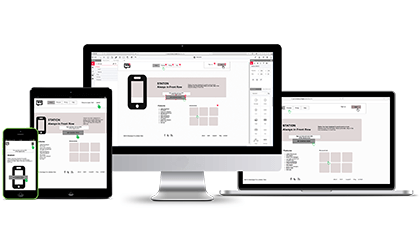
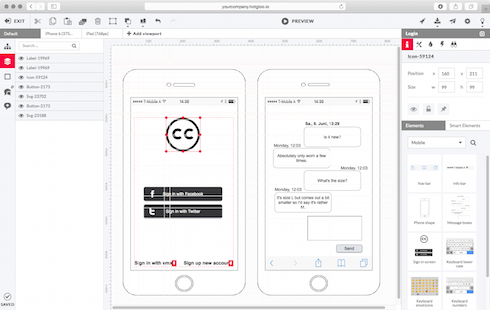
As professional as professional gets. HotGloo is the webworkers tool of choice when it comes to build interactive wireframes, boosting the user experience of your creative work. Add others to your account or send project previewlinks for review and feedback rounds. HotGloo lets you finally experience not only how your project is going to look like but also how it's going to behave.


“The strategy for the Academy Awards was a complex balance of ad sponsored revenue, content creation, gamification, and a clean user interface. Wireframes played a critical role because the team at the Academy was building the back end from a pre-existing CMS and we were constructing the front end.
We detailed and created thorough annotations utilizing the live prototyping tool HotGloo, which allowed us to make rapid progress and keep everyone on the same page.”

 Hamburg, Germany.